

- Extract accounts: runs once per credential. Returns a list of accounts behind a single credential.
- Check for a new bill: runs against a single account. Checks for the latest bill and reports whether a bill newer than your last known date exists.
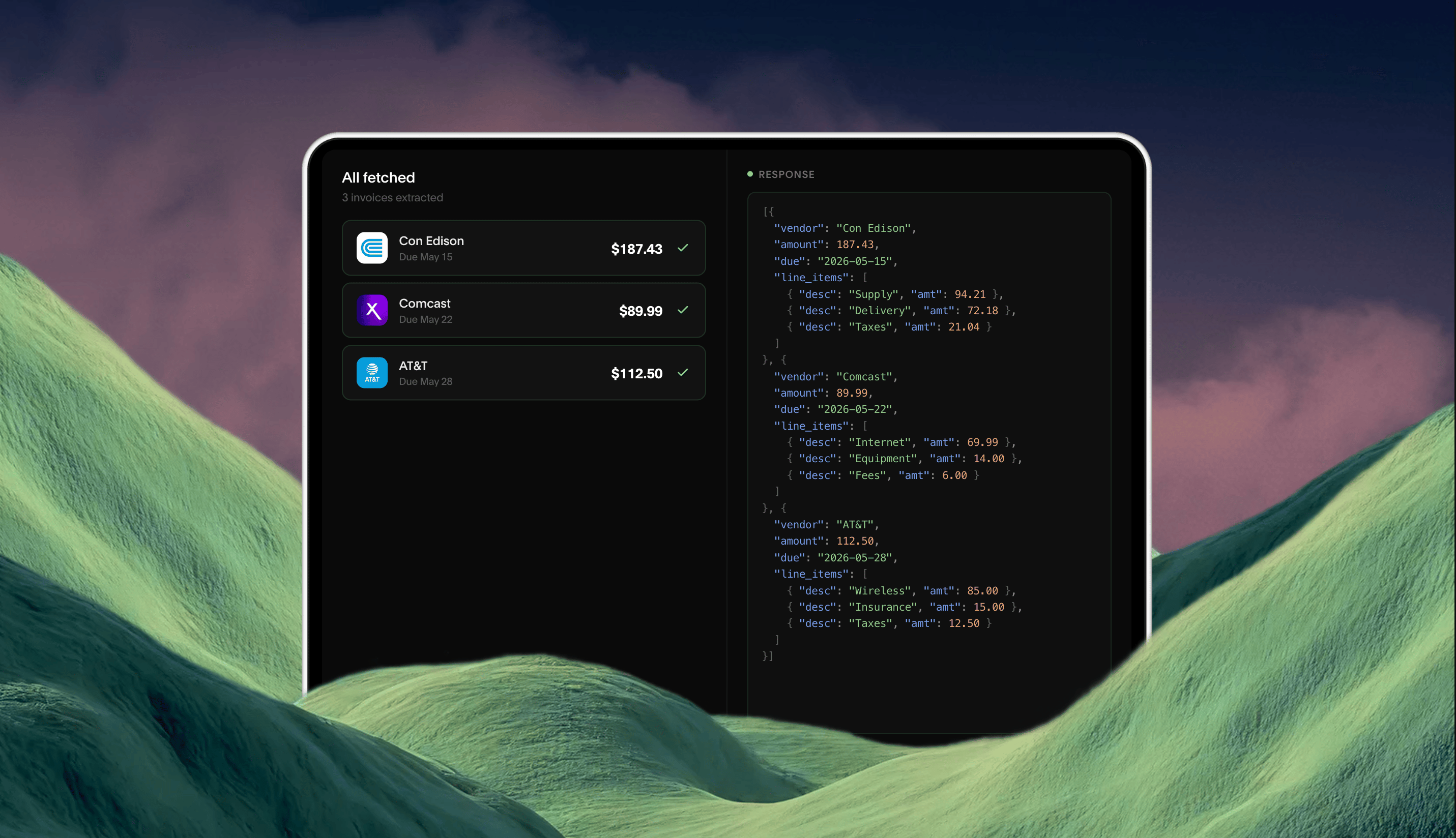
- Fetch latest bill: per-account download that delivers exactly one bill, with extraction returning its fields as structured data.
- Per-account attribution. If a bill is missing for an account, there is one run to inspect, not a single long run across every account.
- Retry granularity. A failed run is tightly scoped and can be retried on its own.
- Lower cost when nothing is new. When there’s no new bill, you pay for only the task run rather than deduplication and extraction.
- A durable account list. Every run returns the current account list. If an account disappears from a later run, you notice.
- One login per credential. The workflow runs every step in one session, so the agent signs in once and works through the accounts.
Prerequisites
This guide assumes you have an agent, a source, and a stored credential; the Quickstart covers those steps. The fetch task uses storage and extraction, available as an add-on on paid plans. The workflows guide covers the step types and run body used here.Create the tasks
All three tasks belong to the same agent. See Tasks for guidance on writing prompts.1
Extract accounts
Runs once per credential per refresh cycle, typically monthly, or on demand when a user adds or removes accounts on the source. You store the returned list. The task returns metadata only, so leave storage off.Not every source shows a bill date on the account list, so treat
Request
latest_bill_date as a hint.2
Check for a new bill
Runs once per account per checking cycle. It takes the account number and your last known bill date, and reports whether the source has anything newer. With storage disabled, runs of this task can’t return files, so the task stays read-only regardless of prompt wording.
Request
3
Fetch latest bill
Runs only for accounts where the previous task returned Deduplication is optional here: the date input on the previous task already prevents most duplicate downloads. As an extra safeguard, enable deduplication keyed on the statement number and account number.
has_new_bill: true. It takes the account number alone; the decision to fetch was already made upstream. Storage and extraction are enabled, and the extraction schema pulls the bill’s fields from the file.Request
Create the workflow
One workflow runs all three tasks for a credential. Steps run in order in one session, so the agent logs in once. The two loops run underfailure_behavior: "continue", so one account’s failure doesn’t stop the rest.
Request
check_each loops over the accounts the first step returned. Its definition sets only the account number; the cutoff date comes from the run body, below.
fetch_new loops over the check results, which is why the check task echoes account_number in its output. The if runs the fetch only where a newer bill exists. Accounts with no new bill get null in the step’s output and no task run.
A failed check leaves null in check_each’s output. In the fetch loop, item.has_new_bill on null is false, so nothing is fetched for that account.
Run the workflow
Run the workflow once per credential per cycle. Weekly is typical. Pass the credential on every step, and the cutoff date oncheck_each:
Request
input on check_each merges into every item’s input alongside the account number, so one cutoff date applies to every account in the run. Use the date of your previous cycle. On the first run, set it far enough back that any bill counts as new. Always pass it: step input isn’t checked against the task’s schema before a run starts, so a run without the date sends null to every check and the results can’t be trusted.
Before you advance the cutoff to this run’s date, retry any account that failed, as a direct task run with the current cutoff. Once the cutoff moves forward, a bill that account missed is dated before it and won’t count as new. See Handle failures.
The response is a workflow run in queued. Runs are asynchronous: subscribe to workflow_run.completed and workflow_run.failed events, or poll the run.
Read the results
Fetch the run withinclude=storage to get each downloaded bill and its extraction inline:
Response
output has one slot per account, in the order the first step returned them. In fetch_new, a null slot is an account with no new bill. Each task_runs entry names the account it processed in item, and with include=storage carries the bill it delivered. For anything beyond that, fetch the task run itself with GET /v2/task-runs/{task_run_id}.
Store the account list from extract_accounts. You don’t need a date per account; the next run’s cutoff is the date of this one.
Schedule the work
A trigger runs the workflow on a schedule for every credential on the source. Each fire creates one workflow run per credential, and the trigger’s credential is used by every step, sosteps only needs the cutoff:
Request
steps config is fixed between fires, so advance the cutoff yourself before each one: after a cycle’s runs finish and any failed accounts are retried, update the trigger with the new date.
Request
concurrency_max caps how many workflow runs the trigger has in flight at once. Each run holds one session until it finishes, so set the cap within your organization’s session limit.
If you’d rather run the workflow from your own scheduler, list the credentials on the source with GET /v2/credentials?source_id=src_...&status=verified,unverified and start a run for each, passing the cutoff on the run body. A run requested over the session limit is rejected with session_limit_exceeded rather than queued.
Handle failures
Ifextract_accounts fails, the run ends failed with the step named in its errors, and nothing else runs. Fix the cause and run the workflow again.
Inside the loops, a failed account doesn’t stop the others. The run finishes completed with result: "failure", the account’s slot in the step’s output is null, and its task_runs entry carries the errors. See Errors.
Retry each failed account directly, with the credential, the account number, and the cutoff you used for the run, before you advance the cutoff. The workflow doesn’t need to run again.
- The fetch failed. The check already reported a new bill for this account. Run the task that fetches the latest bill for it.
- The check failed. Run the task that checks for a new bill for it with the same cutoff, then fetch if it reports one.
invalid (a changed password, for example), Deck emits a credential.invalid event so you can prompt the user to re-authenticate. A trigger drops the credential from its scope on its own and picks it back up once the user re-authenticates. Its first run afterward uses the trigger’s current cutoff, so run the workflow directly for that credential with the cutoff from its last successful run if bills may have landed in between.