> ## Documentation Index
> Fetch the complete documentation index at: https://docs.deck.co/llms.txt
> Use this file to discover all available pages before exploring further.

# Concepts

> Get familiar with the core ideas behind Deck. Learn how it connects to data sources, runs jobs, and delivers structured results.

***

<div className="grid grid-cols-2 gap-8 items-center my-8">
  <div>
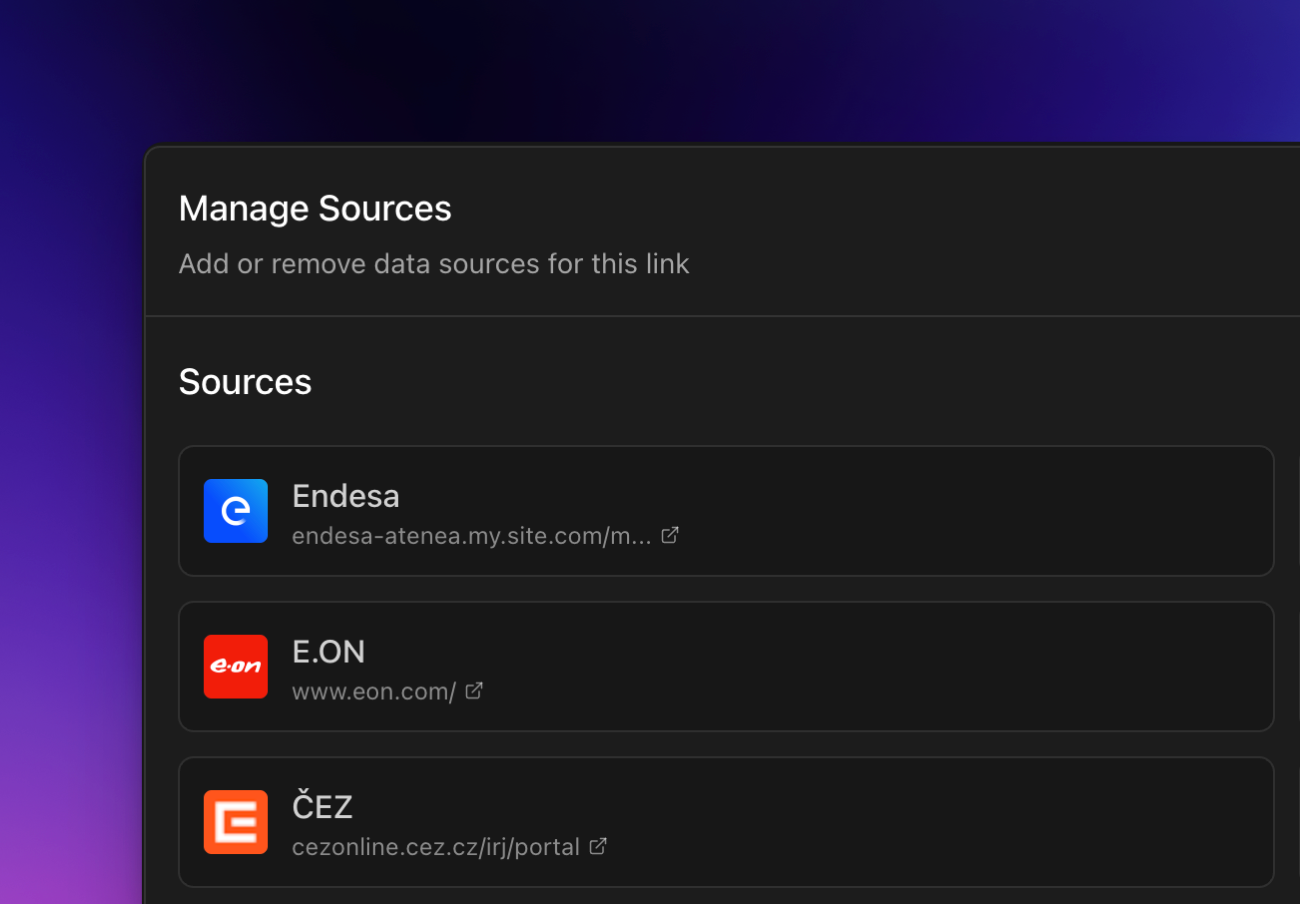
    ## Decks

    A deck groups one or more jobs with a connection to your external source.
  </div>

  <div>
    <Frame>
      <img src="https://mintcdn.com/decksoftwareinc/-AxSnbMX6Wp0tFee/images/links.png?fit=max&auto=format&n=-AxSnbMX6Wp0tFee&q=85&s=dfbbde4a7e1c7a41ccd1f0c83d5a721d" alt="Decks" width="1489" height="1142" data-path="images/links.png" />
    </Frame>
  </div>
</div>

***

<div className="grid grid-cols-2 gap-8 items-center my-8">
  <div>
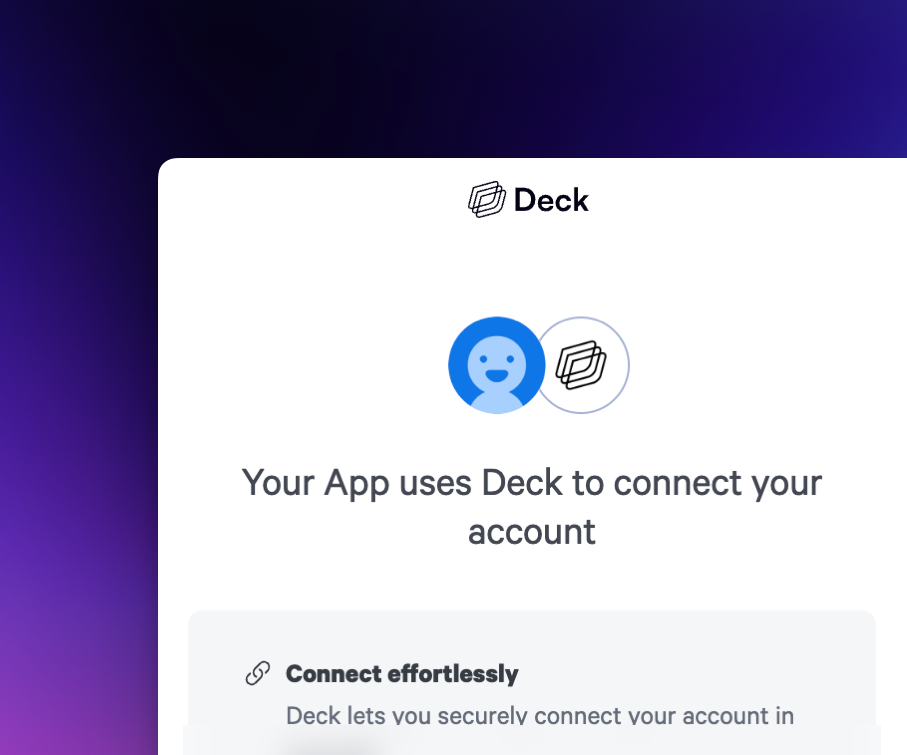
    ## Sources

    A source is an external data service that Deck connects to. Each source has a unique `source_guid` that identifies it in the Deck system.
  </div>

  <div>
    <Frame>
      <img src="https://mintcdn.com/decksoftwareinc/-AxSnbMX6Wp0tFee/images/sources.png?fit=max&auto=format&n=-AxSnbMX6Wp0tFee&q=85&s=75d074e71d19c932003f30b4b7b6d5f4" alt="Sources" width="1300" height="904" data-path="images/sources.png" />
    </Frame>
  </div>
</div>

***

<div className="grid grid-cols-2 gap-8 items-center my-8">
  <div>
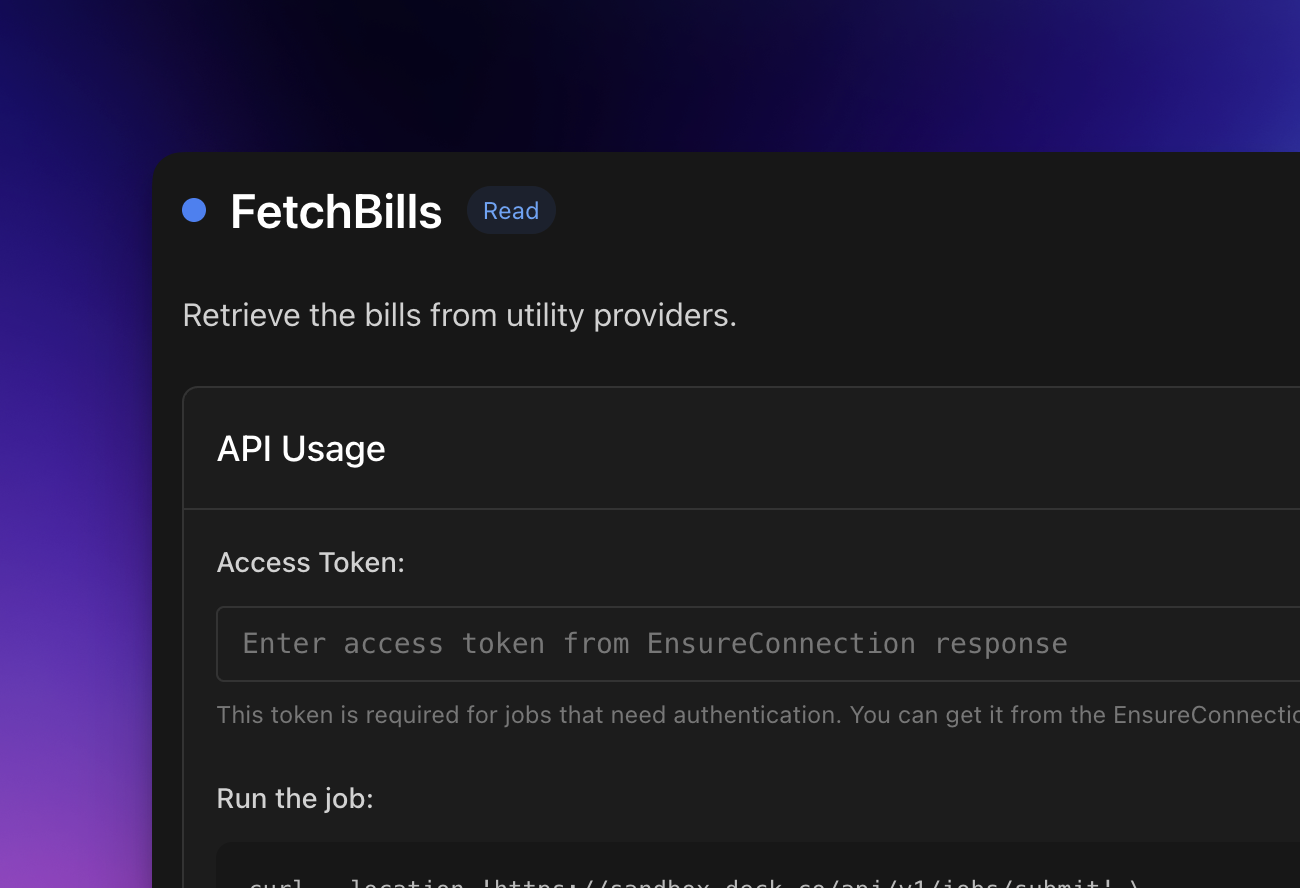
    ## Connections

    A connection is an authenticated link between a user and a source. When a user successfully authenticates, Deck creates a connection and issues an `access_token` to perform actions on their behalf. Connections can be created via the [Deck Widget](/guides/guides/sources#deck-widget) or <Link href="/guides/guides/sources#directly-from-the-api">directly from the API</Link>.
  </div>

  <div>
    <Frame>
      <img src="https://mintcdn.com/decksoftwareinc/-AxSnbMX6Wp0tFee/images/widget.png?fit=max&auto=format&n=-AxSnbMX6Wp0tFee&q=85&s=4bbfe527e7da7f16569e310d06717984" alt="Connections" width="907" height="755" data-path="images/widget.png" />
    </Frame>
  </div>
</div>

***

<div className="grid grid-cols-2 gap-8 items-center my-8">
  <div>
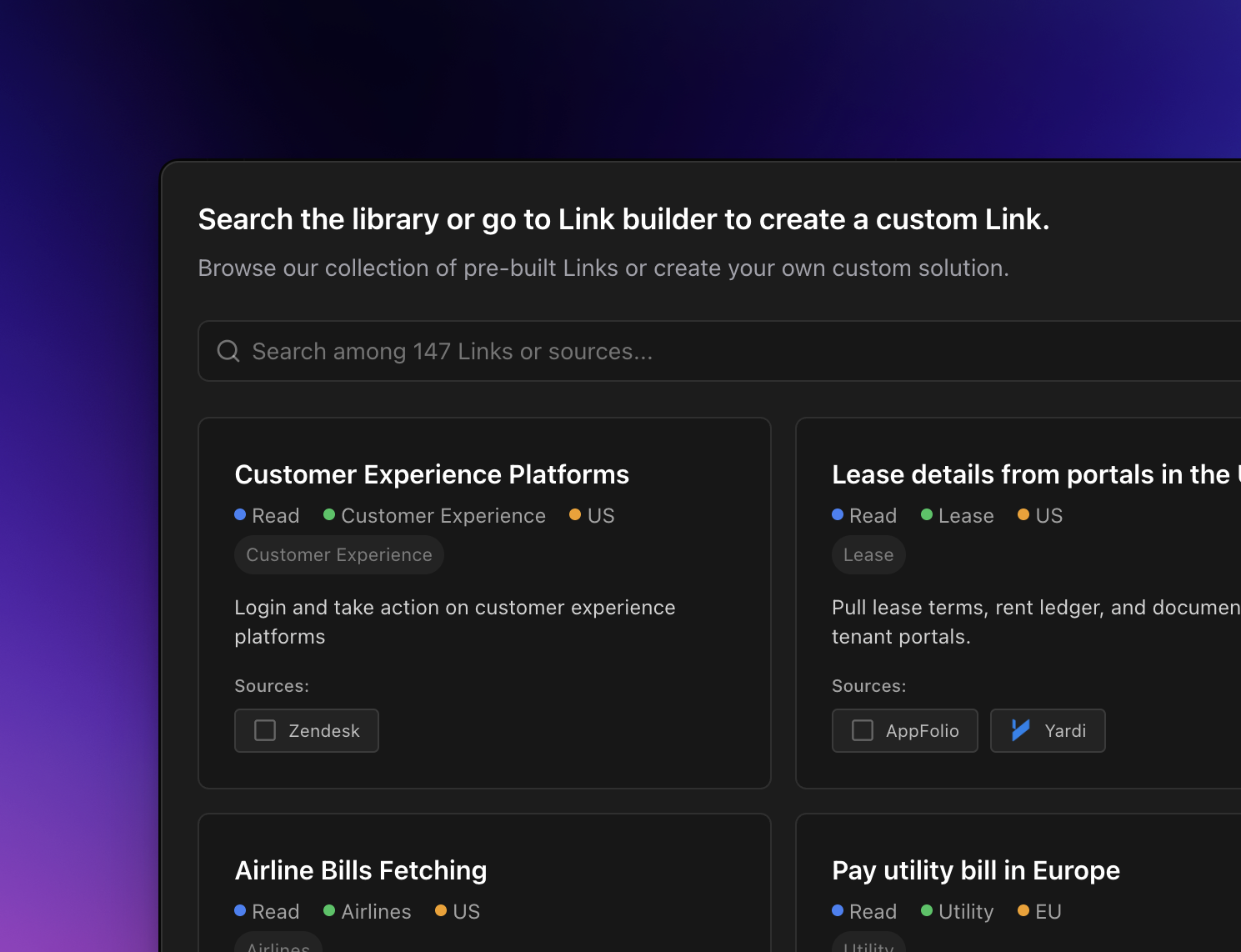
    ## Jobs

    Jobs are tasks you submit to Deck to perform actions. They can be read or write operations, each with specific input parameters and custom outputs. Jobs can run individually or be chained together to perform more complex workflows.
  </div>

  <div>
    <Frame>
      <img src="https://mintcdn.com/decksoftwareinc/-AxSnbMX6Wp0tFee/images/jobs.png?fit=max&auto=format&n=-AxSnbMX6Wp0tFee&q=85&s=cf6f0533230190aca536acbdc60e7853" alt="Jobs" width="1300" height="888" data-path="images/jobs.png" />
    </Frame>
  </div>
</div>

***

<div className="grid grid-cols-2 gap-8 items-center my-8">
  <div>
    ## Storage

    Storage allows jobs to output documents such as statements or invoices. You can retrieve stored objects or perform advanced actions like data extraction.
  </div>

  <div>
    ```bash theme={null}
    curl --request POST \
      --url https://live.deck.co/api/v1/jobs/documents/list \
      --header 'Content-Type: application/json' \
      --header 'x-deck-client-id: <api-key>' \
      --header 'x-deck-secret: <api-key>' \
      --data '{
    "access_token": "<string>"
    }'
    ```
  </div>
</div>